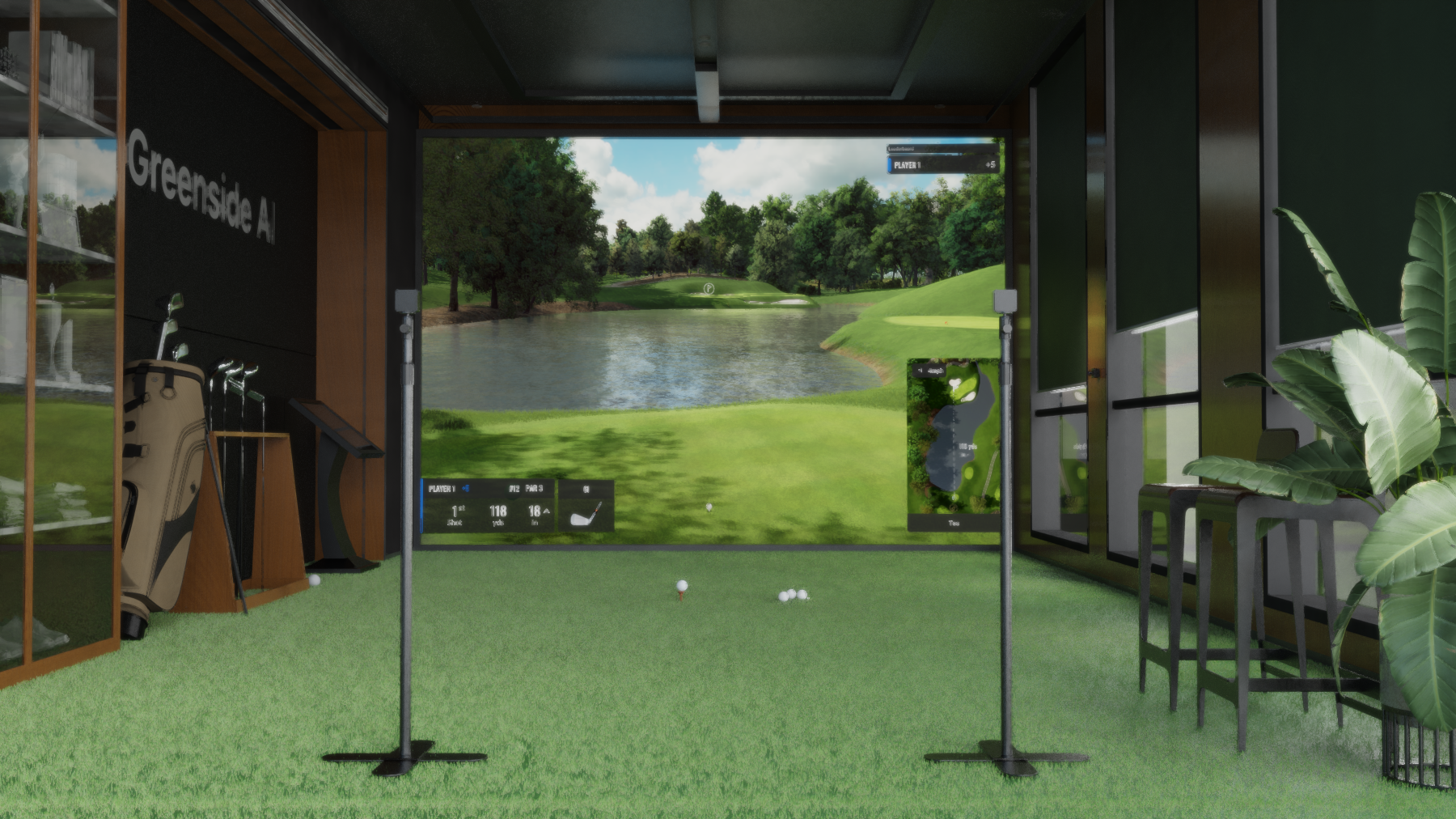
Getting Started With Greenside Studio
Your Setup Guide to Greenside AI's high tech camera solutions and swing improvement technology
Written by the Greenside AI Team
Published February 2026
Why Greenside?
You want to offer the best studio experience for your golfers. To achieve that, you've decided to find the right solutions to capture every swing, help golfers improve, and deliver the modern, tech-forward experience that today’s players expect.
In this guide, we'll cover selecting the right equipment, setting up your facility (whether it’s a simulator or a driving range), and best practices for capturing swing data so we can deliver instant feedback and biomechanics analysis to your students.

Equipment Choices
Device: Greenside AI was built with the premise that powerful instruction shouldn't require complex wiring or massive server racks. We run fully on-device to provide instant feedback. While the software runs on various devices, for a dedicated facility or studio usage, you need a machine that can handle high-speed video processing and 15-point biomechanics analysis in real-time.
Recommended Studio Device: iPad Pro 11-inch: We recommend the latest iPad Pro with the M-Series chip. It offers the perfect balance of processing power for our AI and portability for moving between bays.

Protective Case: Since this device will be living in a busy simulator or outdoor range environment, you don't want to skimp on protection. You need something rugged that can survive a stray ball or a fall from a tripod. Look for cases with reinforced corners and drop protection.
Power & Accessories: Greenside AI is powerful, and that means it uses battery. Cables and chargers ensure that your golfers won’t miss a lesson due to a dead device.
USB-C Extension Cable (15Ft) on Amazon ↗
Stand: Stability is the difference between "good video" and "perfect AI analysis." We’ve tested all kinds of tripods and find this is an area where stability matters more than weight. You need a tripod that won't wobble in the wind outdoors or vibrate on the mat indoors.
Intermediate Adjustable Stand on Amazon ↗
Other Mounting Options:
Can I run Greenside on an IPhone?
Yes! We recommend supplying golfers a stand or bag clip if using individual iPhones to run Greenside Studio.
.png)
Premium Phone Stand @iRange Sports↗
Recording Best Practices
Camera Selection:
- Players Record Themselves: Use the front-facing camera. This allows users to check their alignment, see themself on screen, and easily watch live swing replays.
- Players Record Others: Use the rear-facing camera for optimal video quality.
Optimal Angles: Record either face-on or directly down the line (facing the target).
Camera Height: While flexible, setting the camera around chest height (4 to 5 feet off the ground) provides the best perspective.
Distance & Zoom: Stand approximately 6 feet away from the player for ideal framing. Thanks to the iPhone and iPad's variable zoom, you can use Greenside from various distances. As long as the player and the club are fully visible in the video, the app will be able to accurately track and analyze the swing.
Ready to get Started?
We have designed Greenside AI to help modern golf facilities & instructors stand out. Whether you are looking to drive repeat visits, increase retention, or just help players get better faster, the setup is simple.
Ready to build your studio? Download the Greenside AI Studio License today and start transforming your instruction.
Any questions on hardware specs or setup configurations? We’re here to help. Please reach out to support@greenside.ai